
Drafted with AI assistance and reviewed, fact-checked and edited by hand before publishing - see our AI transparency page for how we use AI across the app.
If you tutor spelling - whether that's a handful of children after school, or a small tuition centre with several groups running through the week - you'll know the part that's hard to scale: what happens between sessions. You set a list, the child (hopefully) practises at home, and a week later you're trying to remember who was still stuck on which words, often from a notebook or a stack of paper lists.
Spelling.Live has a proper class tool built in for exactly this, and it's free to set up.
What "classes" gives you
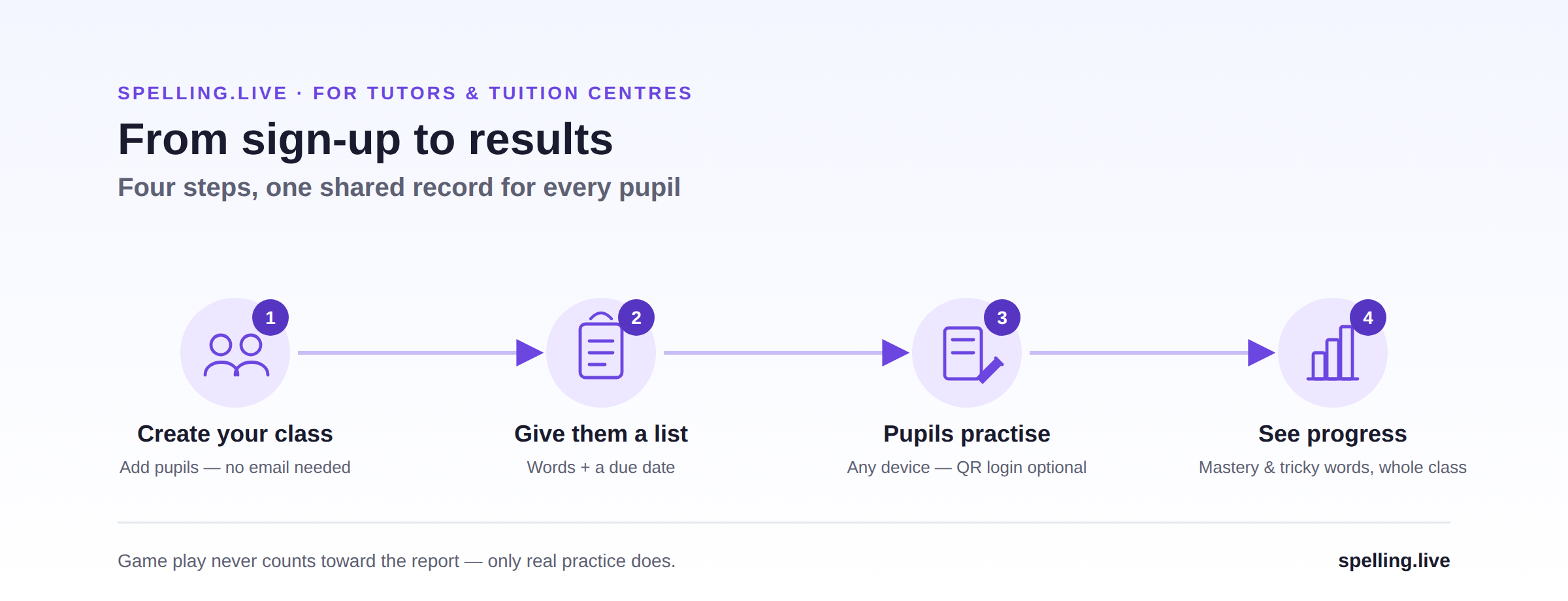
Switch your account to Teacher / tutor (Manage → "Your account & data" → role toggle) and a Classes section appears. It works in four steps:
- Create your class. Add pupils by email invite - if a pupil already uses Spelling.Live at home, simply add them to your class, no new account needed - or bulk-add a whole roster in one go for pupils who don't have one yet. Spelling.Live generates a simple username and password for each child, so you don't need an email address per pupil, and you can print QR login labels for younger pupils if you'd like them (optional - the username and password work fine on their own).
- Give them a list, with a due date and a note - typed in, photographed from a worksheet, picked from the National Curriculum presets, or generated from a topic. Every pupil sees it on their own card with a "Practise" button the moment they log in.
- Pupils practise, at home or in the room with you, on any device. Once the due date passes, anyone who hasn't finished is flagged, so nothing quietly slips through.
- See progress, not just individual scores. Accuracy and the tricky words across the whole group roll up into one report, so you can see at a glance which patterns are catching everyone out - useful for deciding what to spend next session on - while each child still has their own individual view too. Game play never counts towards those numbers, by the way - popping a balloon under time pressure isn't the same as a real spelling attempt, so it can't quietly flatter the report.
Why it's not just "another parent app" for this
The rest of Spelling.Live is built for a single child and their family, and that still works for you - photograph the list from the book bag, practise by typing, handwriting or voice, mark a paper test from a photo, get pattern-level diagnosis of why a word keeps going wrong (silent letters, doubled consonants, unstressed vowels, and so on). The class layer sits on top of that, so a pupil practising for your Thursday session and practising the words their school set on Monday are the same underlying record, not two disconnected apps.
And because a child can have more than one adult attached to their profile, a pupil's parent and their tutor can be looking at the same progress and the same report - not a paper slip that may or may not make it home.
More than one tutor, on the same child
A child isn't always working with just one of you. A child with additional needs, for example, might have a handwriting or occupational therapist working on letter formation and a separate tutor working on spelling itself - two different kinds of support, two different professionals. Spelling.Live lets you invite more than one tutor to the same child's profile, so each of you sees the same lists, the same attempts and the same progress, rather than working from your own separate notes and having to compare them after the fact.
Getting started
Sign up (or sign in), then in Manage → Your account & data, switch your role to Teacher / tutor - a one-time step. Then:
- Create a class and add your pupils - by invite, or bulk-add if you're setting up a group in one sitting.
- Give them your first list, with a due date.
- They practise, on any device - print QR login labels first if that's useful for younger pupils.
- Check progress whenever you like - tricky words, mastery, the whole class in one report.
The class tools are free - lists, assignments, pupil logins and the group report - and tutor accounts get a renewing 500 AI credits a month for the practice itself, as described in our pricing and credits post. If you try it and something's missing for how you run sessions, we genuinely want to hear about it: tell us - a lot of what's in the app already started as a tutor or parent asking for exactly that.
If you'd like to see what the app looks like from a family's side first, our honest comparison with other UK spelling apps and our piece on finding the pattern behind every mistake are good places to start.