
Five minutes a day beats cramming the night before.
Short daily spelling activities help children build confidence, remember words for longer and feel more prepared for written spelling tests. Photograph the list from school and we'll create the practice plan.
Free to start·200 free credits·Set up in under a minute
Teacher or tutor? Pilot it free with your class →
5.0 / 5 Educational App Store Certified · reviewed August 2026
How it works
Four steps, every week - and the app does the setting up.
Get the words in
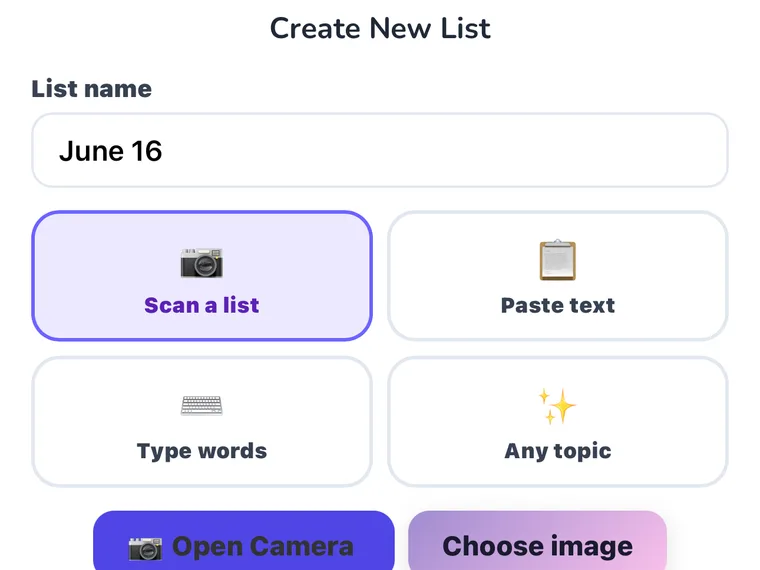
Snap a photo of the school spelling list or paste the words in. Spelling.Live builds everything you need for the week.
Follow the weekly plan
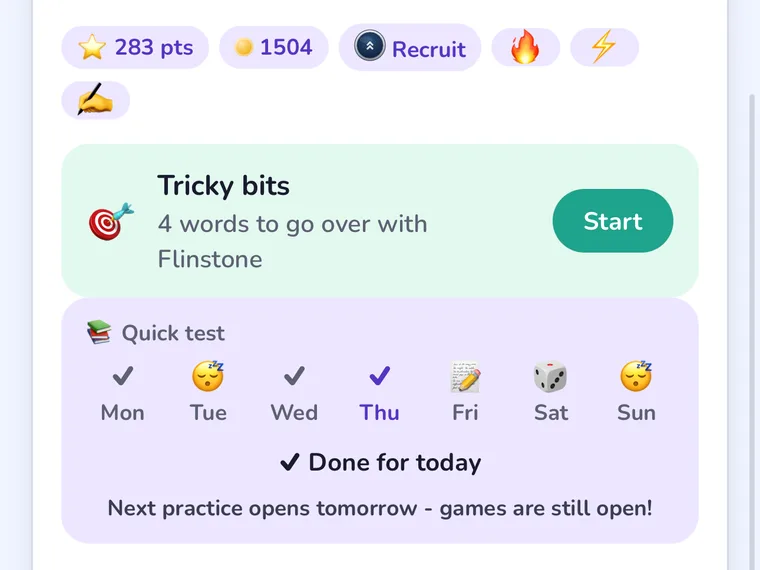
Five minutes a day is often more effective than one long spelling session. Short activities spread across the week help words move into long-term memory.
Practise the way they're tested
Children write, type, speak and recognise the same words in different ways. Real handwriting practice helps prepare them for school spelling tests.
See what needs more help
Spelling.Live identifies tricky words and spelling patterns, bringing them back into practice until they become more familiar.
Why children remember more
Best for building a complete spelling habit around the school list: handwriting, retrieval and spaced repetition, five minutes a day.
Built on the research: Pan, Rickard & Bjork (2021) on retrieval and spaced practice, and Graham & Santangelo's (2014) review of 53 studies. The research →
Writing matters
Most school spelling tests are written by hand. Practise spelling through real handwriting, not just typing.
Familiarity before recall
Pictures, recognition activities and guided choices help children become familiar with words before recalling them independently.
Help when it's needed
Hints and support appear at the right moment, helping children work independently without becoming frustrated.
Spaced repetition, built in
Every word gets its own review schedule. Right first time comes back tomorrow, then in three days, then at widening gaps; a slip brings it back tomorrow. Words falling due from earlier lists are added to the week automatically.