Paper practice
Photograph a marked spelling sheet. Every word goes into your child's progress.
- About 30 seconds
- 10 credits a sheet
- For signed-in parents
How it works
-
 Open Paper practice
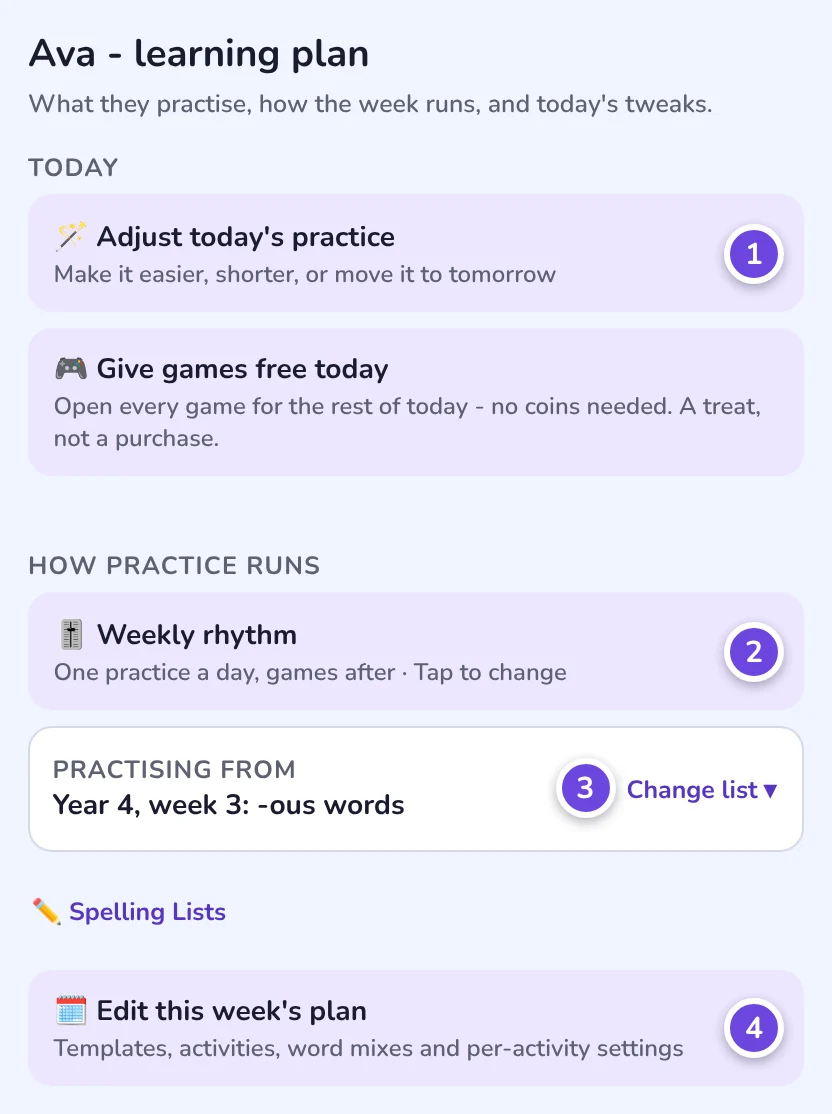
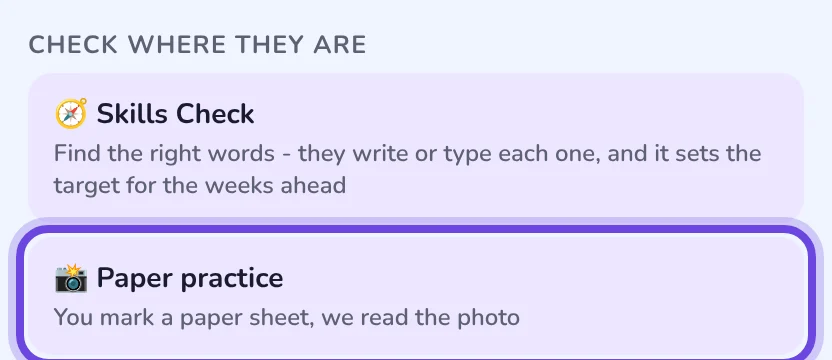
On your child's Learning plan page, under Check where they are.
Open Paper practice
On your child's Learning plan page, under Check where they are.
-
 Take a photo
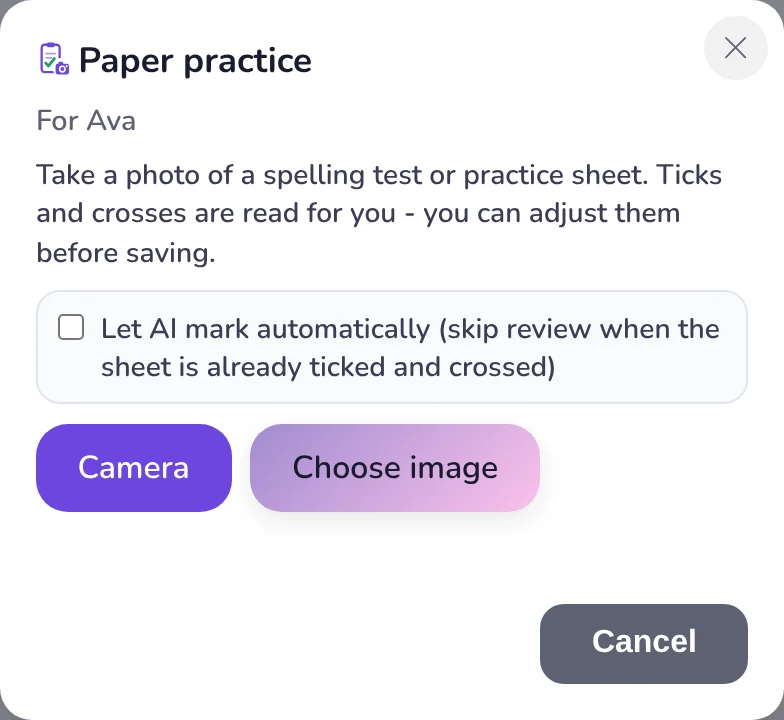
Use the camera, or choose a photo you already have.
Take a photo
Use the camera, or choose a photo you already have.
-
 Check, then save
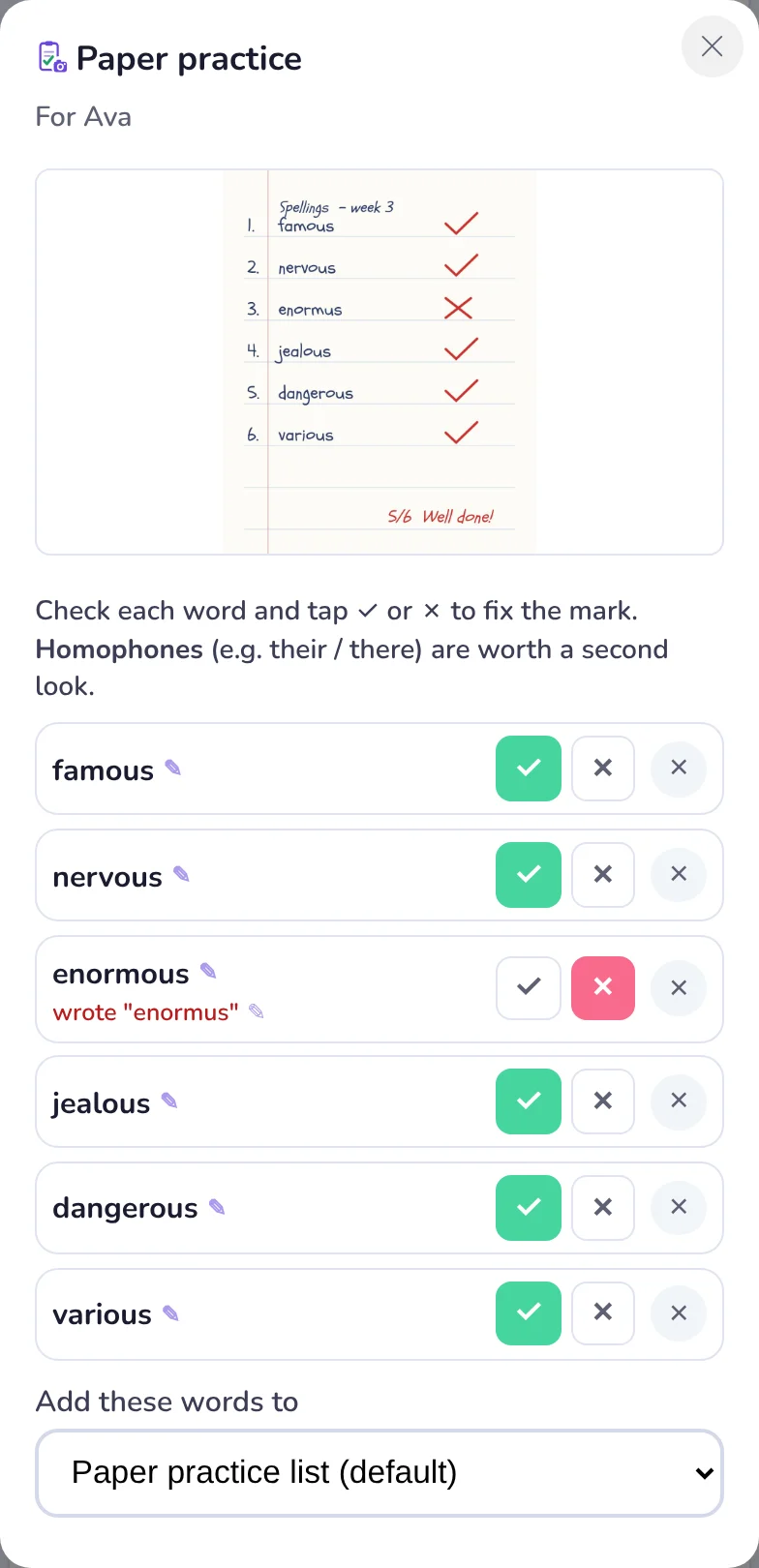
Right words come ticked. Fix anything we misread.
Check, then save
Right words come ticked. Fix anything we misread.
One photo does four jobs
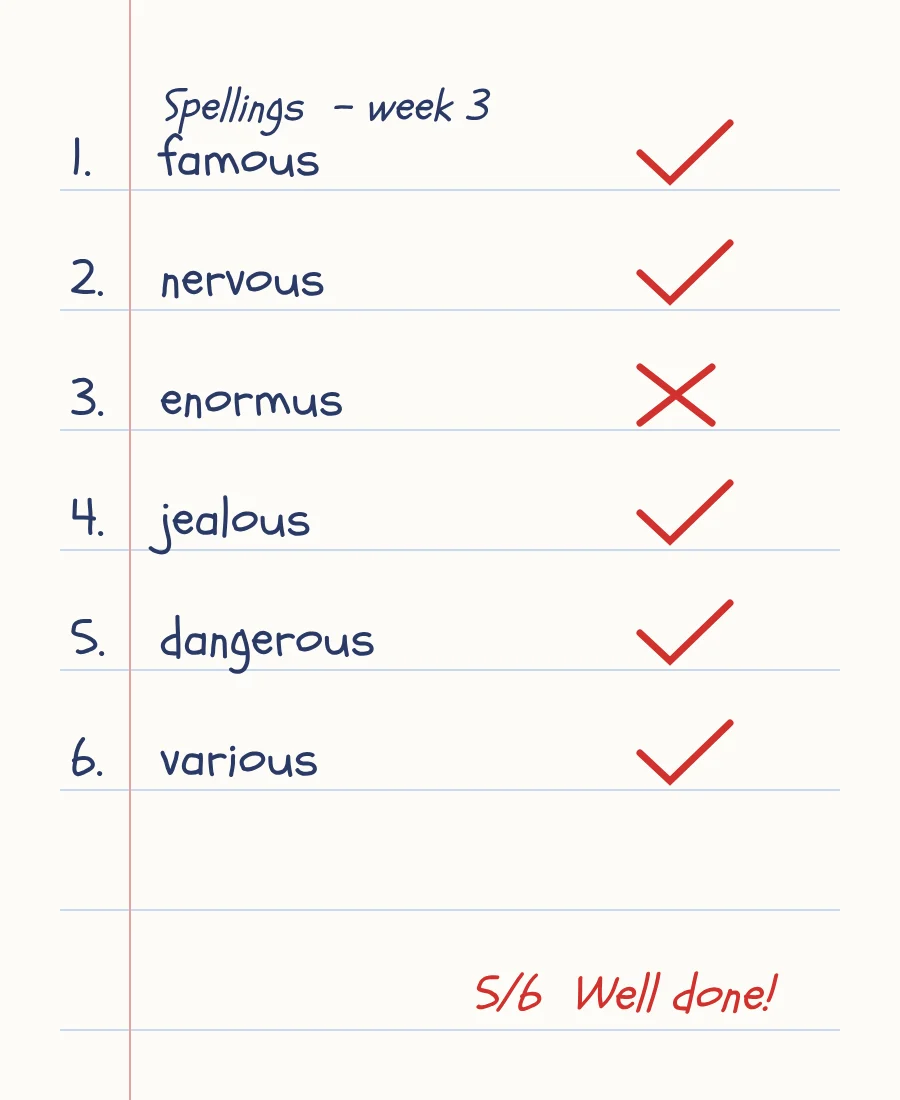 One photo
- ProgressEach right and wrong word is recorded, like practice in the app.
- Mistakes kept"enormus" is saved, so the patterns report can explain it.
- Words addedNew words go on a list, ready to practise.
- HandwritingScored too, if it's switched on for this child.
Getting a good photo
-
Flat and brightFill the frame with the page.
-
Not at an angleHold the phone straight above.
-
Not in shadowFaint ticks can be missed.
-
Not too far awaySmall writing is hard to read.
Prefer to watch?
More detail
What sheets work
A marked weekly test, a dictation in their book, or a list of words they wrote out themselves. Most spelling still happens on paper, and this brings it into the app. The sheet does not need ticks and crosses: words that match the spelling are ticked for you, and you mark the rest.
You need to be signed in, so the results can be saved to your child's progress. On a learning plan with a paper day, the plan card opens Paper practice too.
What one photo does, in full
- Progress. Every word marked right or wrong is recorded exactly as if it had been practised in the app, so it feeds the same progress screen and the weekly report email.
- Mistakes. For a word marked wrong, the app works out which word was meant and keeps what your child actually wrote, so the wrong-answers view and the coaching tips stay accurate.
- Words. Words not already on your child's lists are added, so they can practise them with audio, games and handwriting. You choose which list they go on before you save.
- Handwriting. If handwriting analysis is on for that child, the writing on the page is scored too - letter formation for younger children, overall fluency for older ones - and added to the Formation or Writing report.
Checking the marks
- Right spellings come pre-ticked. You only need to look at the ones that differ.
- Homophones get a second look. Where a word could be a "their / there" style trap, the app flags it rather than guessing.
- Everything is editable. Tap a word or what they wrote to correct a misread letter. If a wrong word has no misspelling recorded, tap "+ add what they wrote" so it can be tracked as a pattern.
- Let AI mark automatically. Tick this and a sheet that already has clear ticks and crosses on it saves straight away, with no review. Without real marks on the page you always see the review first.
If you photograph a printed word list
A printed list with no handwriting on it is the answer key, not an attempt. The app spots this and asks whether that is what it is. If yes, the words are added to a list and nothing goes into your child's progress. If it really is their writing, say no and you get the normal review.
What it costs
A sheet of up to 15 words is 10 credits. If handwriting scoring runs as well, that's 2 more. There's no separate charge and no plan to unlock it. How credits work