Parents
Understand what "Secure" and "Nearly there" mean, and what to do next for each rule.

How we show how well your child knows each spelling rule, from first meeting it to using it in their own writing.
Every word your child practises tests one or more spelling rules, such as "-tion at the end of a word" or "ai in the middle of a word". For each rule we show one of four steps: Started, Practised, Secure and Using it. The step moves up when there is enough evidence, and it is worked out again every night.
Understand what "Secure" and "Nearly there" mean, and what to do next for each rule.
Know what evidence sits behind each step before you read a pupil's progress or plan a week.
The steps mean the same in every country. Only the Curriculum tab's year headings change, see Curriculum by country.
Every step looks at recent work since the last mistake on that rule. Older work still shows in the word lists, it just does not hold a rule up.
Your child has practised at least one word that uses this rule. Nothing more is needed.
Spelled right on two different words with the rule, in the last six weeks, with no mistake on the rule in that time. Typing, Say it and writing all count. On the Curriculum tab this shows as Nearly there.
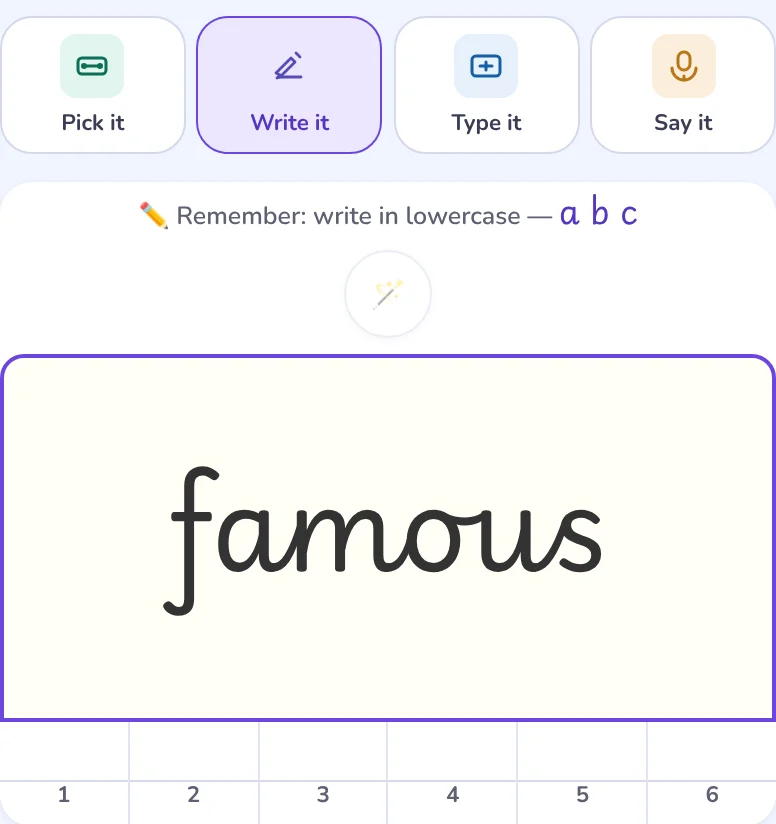
Three different words with the rule written from memory with no help, on screen in Write it or on paper, on at least two different days. The last one in the past three weeks, no mistake on the rule in the past six weeks, and at least three weeks of practice in the app.
The rule is Secure, and two of its words were spelled right from memory in a paragraph your child wrote, and you marked them as making sense. See marking a paragraph.
Which ways of answering count, and why Pick it and games do not move a rule: Spelling modes.
Writing "stashun" or "stasion" for station is a mistake on the -tion rule, so that rule starts counting again from there.
Writing "sation" leaves out a letter near the start, but the -tion ending is right, so it does not count against the -tion rule.
A Secure rule with no writing for a few weeks, or with a new mistake, asks for a refresher. Nothing is taken away, and a few words written from memory bring it back.
You choose a practice goal for each child in their settings, under How they practise. The goal decides which step the week works towards. The steps themselves never change.
Getting words right in practice is the goal. Good for a child who has lost confidence.
Written from memory, with no help. This is the usual goal.
Secure first, then a paragraph that uses the words. Marking a paragraph needs you to be signed in; without it, this goal aims at Secure.
Secure means they can spell it unaided. It doesn't say which year expects it.
A Year 2 child can be Secure on a Year 5 rule, and a Year 5 child can still be Started on a Year 2 one. Which rules each year group is expected to know is shown separately, on the Curriculum tab, and depends on the English your child's school uses. Secure is about evidence, not age.
Secure needs writing from memory with no help, on screen in Write it or on paper. Typing, Say it and answers given after help can take a rule to Practised, never Secure. Try Write it with help switched off, a dictation test or a paragraph written from memory.
No. Secure means they can spell it unaided. It doesn't say which year expects it. Which rules a year group is expected to know is shown separately, on the Curriculum tab.
A rule stays Secure only while there is recent unaided writing and no new mistake on it. After a few weeks without writing, or after a mistake on that rule, it asks for a refresher. Nothing is taken away. A few more words written from memory bring it back.
Once a rule is Secure, your child writes a few sentences that use some of its words, from memory. You mark the paragraph from the Paper writing card on their child card. Two words from the rule, spelled right and marked as making sense, take it to Using it.
No. Pick it shows in each word's right and wrong count, and games are kept separately as game activity, but neither moves a spelling rule. Choosing the right spelling is easier than producing it.